Context
Advapay needed a white-label mobile authenticator that their B2B clients could embed into their own products. Users authenticate into multiple services from different companies — banks, fintech platforms, enterprise tools — through a single app. Think Google Authenticator, but designed for a professional audience and built to carry a client's brand.
Design Focus
Trust
Security apps live or die on perceived safety. Every interaction needed to feel deliberate, controlled, and impossible to misread.
Speed
Authentication is a means to an end — nobody wants to spend time here. The critical path had to be as short as physically possible.
White-label
The UI system needed to support multiple brand skins without redesign — colours, logos, and typography all parametric.
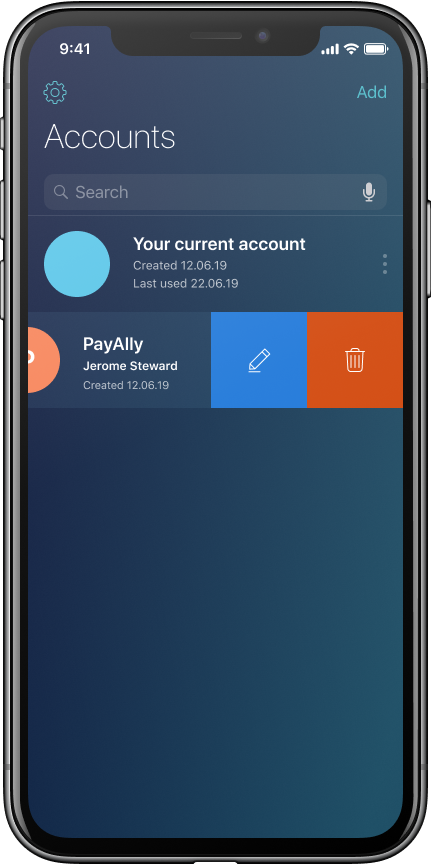
Account List
The main screen is a list of linked services. Each account shows the service name, user, and a colored avatar. Swipe left to edit or delete. The list is sorted by recency — the service you used last is always at the top.
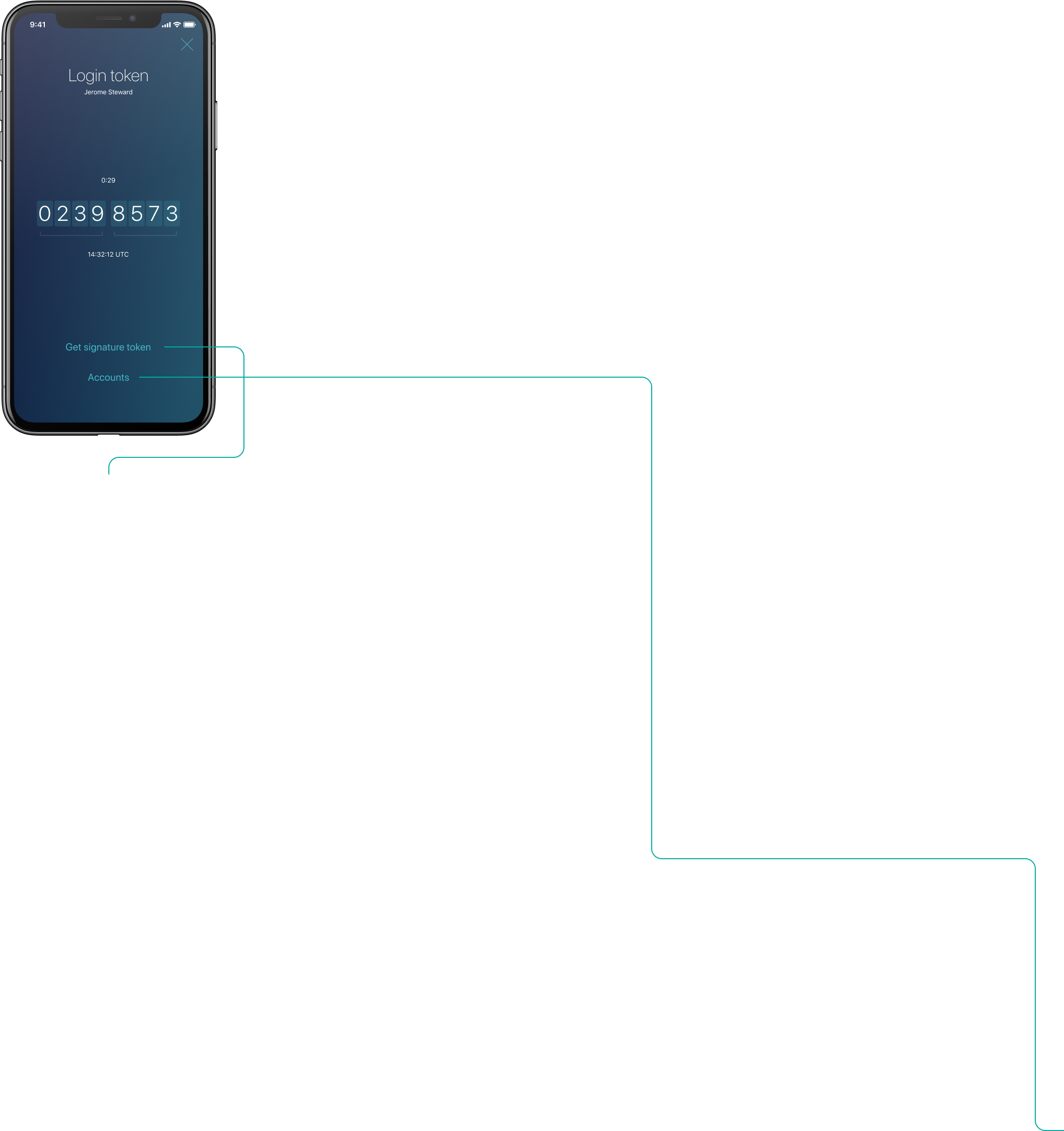
Login Token
The core screen. An 8-digit code displayed on individual card backgrounds — large, legible, easy to read aloud or type under pressure. Countdown timer and UTC timestamp tell you exactly how long you have. One tap switches to the Signature flow.
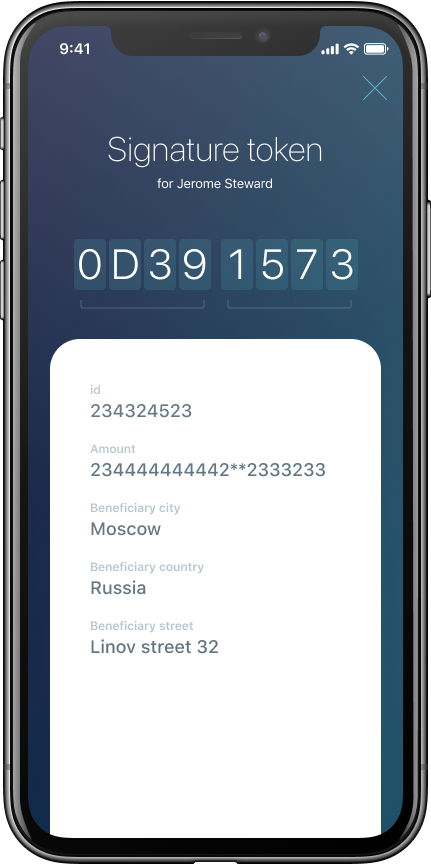
Signature Token
For transaction signing, the token screen extends downward: below the code sits a white card with the full transaction details — amount, beneficiary, country. Everything needed to confirm you're signing the right thing, in one view.
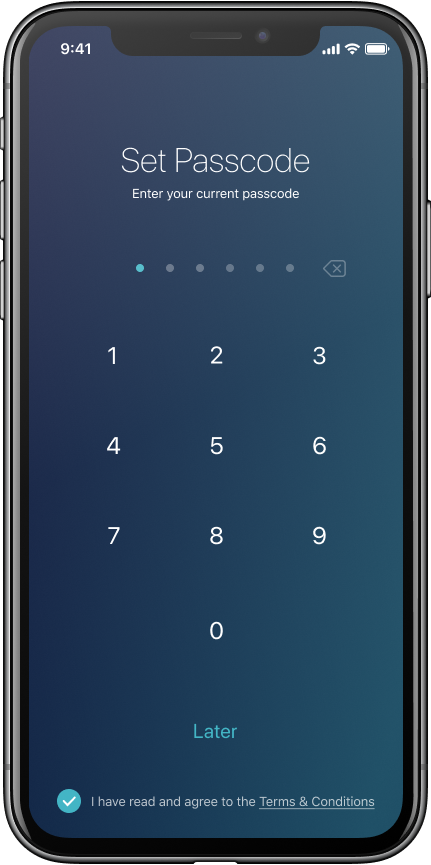
Onboarding
Setup is three steps: set a passcode, accept terms, done. The passcode screen uses large dot indicators and a standard numpad — familiar to anyone who's set up a phone. Biometric auth (FaceID/TouchID) takes over after first setup.
QR Linking
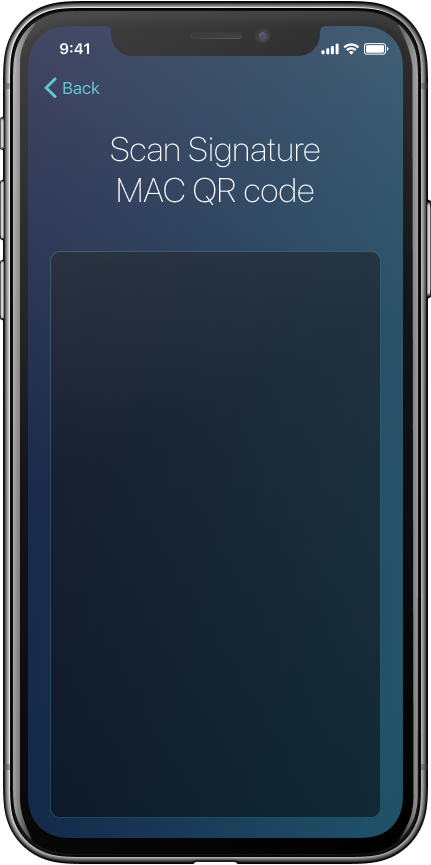
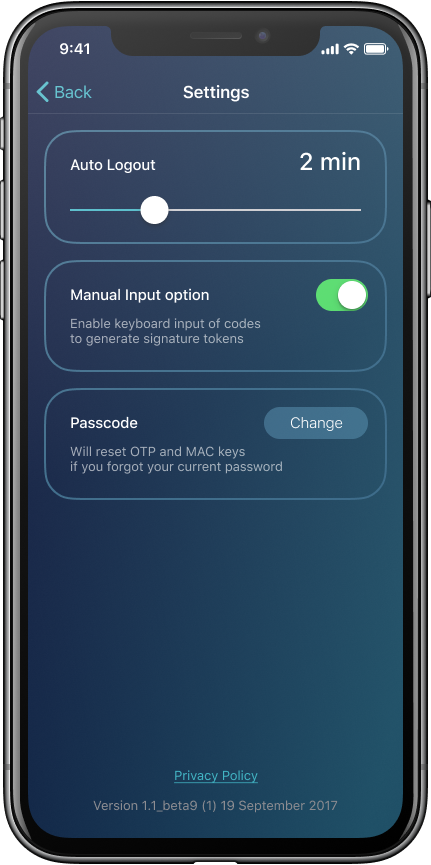
Accounts are added by scanning a QR code from the service — no manual key entry needed in the standard flow. The scanner is minimal: just a viewfinder and a title. Manual input is available in Settings for edge cases.
Settings
Auto-logout timer, manual input toggle, passcode change — all in one short screen. Earnings and subscriber data live here too for white-label clients who expose the monetization layer.
Key Decisions
"We needed something our clients could hand to their users without a manual. The result doesn't look like a security tool — which is exactly why it works."
— Product Manager, Advapay